
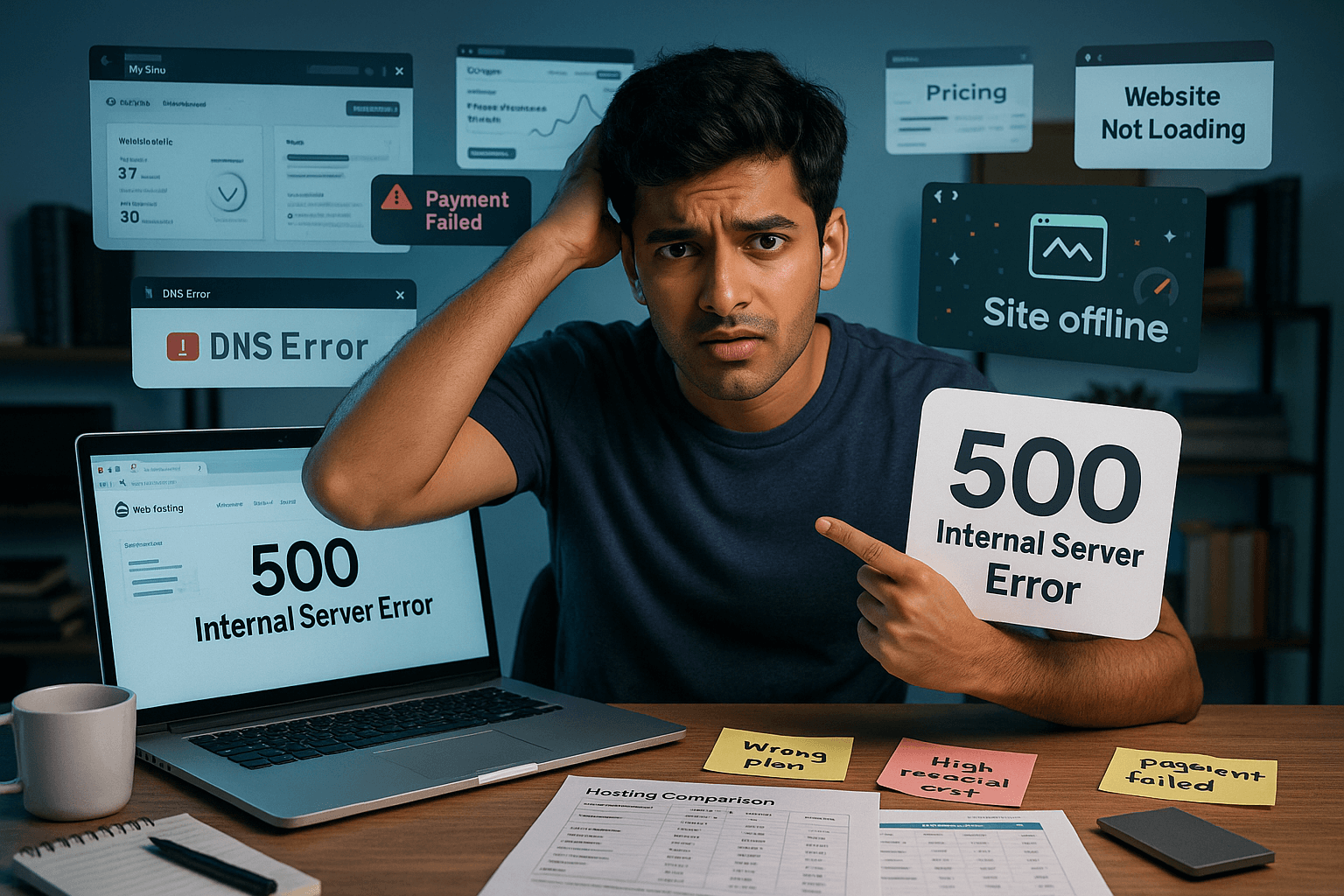
Web hosting can be tricky when you’re just starting out — and making the wrong choices can severely hurt your website’s performance, security, and even your budget. Many beginners, in an effort to save money or simplify the process, inadvertently fall into common pitfalls that lead to slow loading times, frequent downtime, security vulnerabilities, or unexpected costs. In this guide, we reveal the most common web hosting mistakes beginners make and show you how to avoid them, so your website runs smoothly, securely, and efficiently from day one.
Mistake #1: Choosing the Wrong Hosting Type
One of the most frequent errors is picking a hosting plan that doesn’t align with your website’s actual needs, either by overestimating or underestimating them.
The Mistake:
- Going for the cheapest option without considering needs: Many beginners opt for the absolute cheapest shared hosting plan, even if their website has specific requirements (e.g., e-commerce, high traffic). This leads to poor performance, frequent “resource limit reached” errors, and frustration.
- Overpaying for unnecessary features/power: Conversely, some beginners might jump straight to a costly VPS or dedicated server, thinking “more power is always better,” when a simple shared or managed WordPress plan would suffice for their small blog or portfolio.
- Not matching hosting to CMS: Installing a resource-intensive CMS like WordPress on a generic, underpowered shared hosting plan can lead to slow sites, even if WordPress is technically supported.
How to Avoid It:
- Assess your needs realistically:
- Website Type: Is it a personal blog, a small business site, a growing e-commerce store, or a complex web application?
- Expected Traffic: How many visitors do you anticipate daily/monthly?
- Content Volume: Will you have lots of images, videos, or dynamic content?
- Technical Skill: Are you comfortable managing a server, or do you need a hands-off approach?
- Understand Hosting Types:
- Shared Hosting: Perfect for small blogs, personal sites, and basic business websites with low traffic.
- Managed WordPress Hosting: Ideal for WordPress users who want optimized performance, security, and dedicated support for their CMS without technical hassle.
- VPS Hosting: A good middle ground for growing sites that have outgrown shared hosting but aren’t ready for a dedicated server. Offers more resources and control.
- Cloud Hosting: Excellent for high-traffic sites or those with fluctuating traffic, offering high scalability and reliability.
- Start Smart, Upgrade Later: For most new websites, a well-regarded shared or managed WordPress hosting plan is an excellent starting point. Reputable hosts make it easy to upgrade to a more powerful plan as your website grows.
Mistake #2: Ignoring Uptime & Performance
A website that’s slow or frequently down will drive visitors away and harm your search engine rankings.
The Mistake:
- Choosing a host with poor uptime: Not checking a host’s uptime guarantee or track record can lead to your website being inaccessible frequently, frustrating visitors and potential customers. Even a few minutes of downtime can be costly for a business.
- Overlooking page load speed: A slow-loading website leads to high bounce rates (people leaving quickly) and negative user experience. Search engines like Google also penalize slow sites, affecting your SEO.
- Not considering server location: If your audience is primarily in one geographical area, choosing a server located far away can increase latency and slow down your site for those users.
How to Avoid It:
- Prioritize 99.9% Uptime: Look for hosting providers that guarantee at least 99.9% uptime. This translates to less than 9 hours of downtime per year. Higher percentages are even better. Check independent reviews and uptime monitoring services.
- Look for Speed Optimizations:
- SSD/NVMe Storage: These are significantly faster than traditional hard drives.
- Caching: Server-side caching (e.g., LiteSpeed Cache, NGINX) and support for caching plugins.
- CDN Integration: A Content Delivery Network delivers your website content from a server geographically closer to your visitor, speeding up delivery worldwide.
- Latest Technologies: Support for the latest PHP versions, HTTP/2 or HTTP/3.
- Choose a Relevant Server Location: If your target audience is regional, select a host with data centers in or near that region. For a global audience, a host with multiple data centers and CDN integration is beneficial.
Mistake #3: Overpaying for Features You Don’t Need
Hosting providers often try to upsell during checkout, leading beginners to spend money on unnecessary add-ons or overly robust plans.
The Mistake:
- Buying unnecessary add-ons: Many hosts automatically check boxes for “premium SSL,” “site backups,” “security scans,” or “website builders” during checkout. While some of these are good, many are either included in the base plan or available for free elsewhere (e.g., Let’s Encrypt SSL).
- Falling for “unlimited” claims: Be wary of “unlimited bandwidth” or “unlimited storage” on shared hosting. There’s almost always a “fair usage” policy in the fine print. True unlimited resources are only found on very high-tier, expensive plans.
- Not reading renewal rates: Initial promotional rates are often very low, but the renewal prices can be significantly higher (2x-4x the original cost). Not knowing this can lead to budget shocks later.
How to Avoid It:
- Review Your Cart Carefully: Before checking out, meticulously review your order summary and uncheck any pre-selected add-ons you don’t need or want.
- Understand “Unlimited” Policies: For shared hosting, assume “unlimited” means generous, but not truly infinite. Most small to medium websites will never hit these unstated limits.
- Always Check Renewal Prices: Look for the actual renewal cost of the plan. This is the long-term price you’ll pay. Factor this into your budget.
- Prioritize Free Essentials: Ensure the plan includes genuinely free SSL (like Let’s Encrypt), a free domain for the first year (if desired), and automated backups without extra charges.
Mistake #4: Not Backing Up Your Website
This is arguably the most critical mistake. Without backups, a simple error, hack, or server failure can result in permanent data loss.
The Mistake:
- Assuming the host handles everything: While many hosts offer automatic backups, relying solely on them can be risky. Their backups might not be frequent enough, or easy to restore, or might not cover all your needs.
- Not having a personal backup strategy: Neglecting to create your own backups (or using a plugin for WordPress) means you have no fallback if something goes wrong.
- Not testing backups: Having backups is one thing; knowing they work and how to restore them is another.
How to Avoid It:
- Confirm Host’s Backup Policy: When choosing a host, ask about their backup frequency (daily, weekly), retention period (how long they keep backups), and ease of restoration.
- Implement Your Own Backup Strategy:
- For WordPress, use a reliable backup plugin (e.g., UpdraftPlus, Duplicator, All-in-One WP Migration) to create regular backups and store them off-site (e.g., Google Drive, Dropbox).
- For other types of sites, learn how to manually back up your files via FTP and your database via phpMyAdmin.
- Test Your Backups: Periodically perform a test restoration on a staging site (if available) or locally to ensure your backups are viable.
Mistake #5: Not Considering Scalability
Your website won’t stay static. As it grows, so will its resource demands. Choosing a host that can’t grow with you leads to future headaches.
The Mistake:
- Getting stuck on a non-upgradable plan: Some hosts make it difficult or costly to upgrade from one hosting type to another, forcing you to migrate your entire website to a new provider.
- Underestimating future growth: Many beginners think their site will remain small forever, only to find themselves struggling with performance issues when traffic increases.
How to Avoid It:
- Look for Clear Upgrade Paths: Choose a host that offers a clear and easy migration path from shared hosting to VPS, Cloud, or even dedicated servers.
- Assess Hosting Providers’ Offerings: Does the host offer various hosting types? Can you upgrade within the same provider seamlessly?
- Factor in Potential Growth: Even if you’re starting small, choose a host known for its reliability and ability to handle increased traffic and resource demands. It’s better to be slightly over-resourced initially than severely under-resourced later.
Final Tips for Beginners
- Read Reviews (Critically): Look for recent, unbiased reviews on independent sites. Pay attention to feedback on customer support, uptime, and renewal prices.
- Check Money-Back Guarantees: Most reputable hosts offer a 30-day money-back guarantee. This allows you to test their service risk-free.
- Understand the “Fair Usage” Policy: For “unlimited” plans, always find and read the host’s fair usage policy to understand any hidden limitations.
- Don’t Be Afraid to Ask: If you’re unsure about anything, contact the hosting provider’s pre-sales support. Their responsiveness and clarity will give you a good indication of their customer service quality.
- Prioritize Support: Especially as a beginner, responsive and knowledgeable 24/7 customer support is invaluable for troubleshooting and guidance.
By being aware of these common mistakes and following these tips, you can make a much more informed decision when choosing your web hosting, setting your website up for long-term success and a smoother journey online.